01 / SOURCES
Bring the raw material
PDFs · Photos · Images · Excel · CSV/TSV · JSON · Documents · Data exports
Bring your files. Tell AI what you need. Let it work across documents, spreadsheets, images and data — while you stay in control.
From raw material to finished results. AI combines reasoning with purpose-built operations for data, files and documents — far beyond answering a prompt.
PDFs · Photos · Images · Excel · CSV/TSV · JSON · Documents · Data exports
OCR · Rotate · Extract · Structure · Classify · Normalize · Deduplicate · Connect · Reshape
Reasoning · Calculations · Statistics · Investigation · Analysis · Reconcile · Compare · Validate · Transform
Excel · Reports · Documents · Charts · Dashboards · Maps · CSV/TSV · PDF-ready pages
Choose a job to see what happened. Some have videos, some have results, and some show the real prompts we used.
Match payments to invoices, find what is missing, and continue when new files arrive.
Extract handwritten figures, track uncertain entries, and compare results with other data.
Replace sensitive names and identifiers consistently, while keeping the useful findings.
Keep the layout, tables, logos, graphics and signatures — then refine the result.
★ Won vs. GPT Our challenge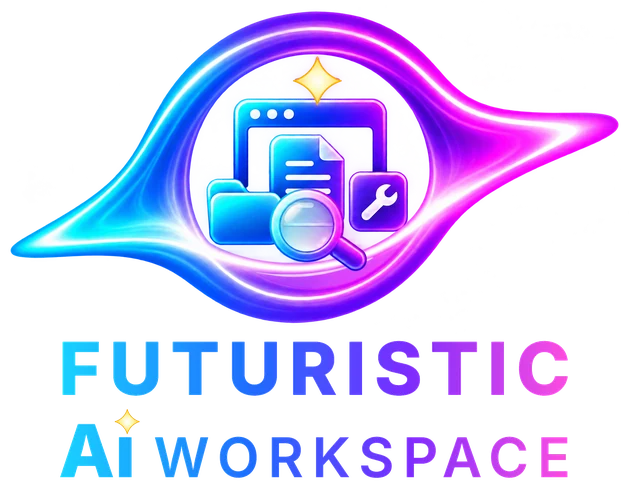
Keep the design you like. Point to a detail, request a change, and review the new version.
★ Won vs. GPT Our challengeArrange multiple files and subdocuments, pair related pages, and add clear labels.
Start with a low-cost model to explore and test. Switch when you are ready for the longer work.
Get a real job right with AI. Refine the process, work through exceptions, and save what you taught it as a reusable Work Instruction.
Next week or next month, bring new files. Run the saved work. Review the new results. The process is there — you don't have to explain the whole job again.
Most software is built for people to operate, then AI is added on top. We reversed that approach.
Workspace gives AI agents powerful, purpose-built tools for operations across data, documents, images and files. Most advanced functions are intentionally agent-operated — not buried in hundreds of manual menus.
The human interface focuses on what people need: bringing work in, seeing what happened, making corrections, reviewing changes and approving results.
If a long job stops midway, your agent can often resume using the files and progress already saved.
Take a screenshot, upload it to Workspace, and ask your agent to fix it. It can often troubleshoot, repair the result, or find a workaround.
The AI does the work, and you own the result.
Review every step, or just the finished work. Watch AI update your documents as it works, or ask it to review its own work and deliver only completed, checked results.
Your work. Your level of control.Create a temporary Workspace, upload your material and let AI do the work. The Workspace itself costs nothing. You pay for AI and map services when you use them.
No subscription needed. Start with a $5 prepaid AI balance. Download your outputs before the Workspace expires.
Futuristic Workspace running on your computer.
Your AI works in your Workspace. Not all over your computer.
Your files stay on your computer. AI works with the files and data you choose to provide, within a controlled workspace.
Bring your files. Tell AI what you want.
Try Futuristic WorkspaceA real company bookkeeping job: matching transactions to invoice files, finding gaps, and handing over organized accounting material.
New files arrived — process them the same way.
The 6–8 hour saving is from one internal task, not a general benchmark. The example prompt is representative, not an original transcript.
An OCR and data-checking workflow built around photographed handwritten forms.
Read these photographed forms. Check the page orientation first, extract the fields into a spreadsheet, and link each record back to its source image. Mark anything you cannot read confidently. Check the totals and list any differences.
Workspace batch trials included a 25-photo sample; full accuracy at thousands-of-image scale is not established by this demo. Example prompt, not a verbatim transcript.
Make a collection of reports easier to share while keeping useful figures and technical findings.
Please anonymize these reports before we share them. Replace customer names, people, project names, URLs and server IDs. Use the same replacement for the same thing in every file. Keep the findings and numbers. Save new copies and tell me what still needs checking.
Example prompt reconstructed from the job, not its original wording.
Scanned PDF documents translated while retaining the original layout, tables, logos, graphics and signatures.
I need a translation of this PDF. It has to look exactly the same, logo and everything, in English.
Can you clean the dirt from the top of the signature?
We need to adjust the width of column A in the table on page 1 so it doesn't reach the footer.
We received 2 more files. Let's do the same for them too.
The private source documents and their translations are not published. Some minor differences from the scans remained; this is not a guarantee of pixel-perfect duplication.
One logo, multiple versions. We chose the design we liked, selected parts of the image, and gave short instructions.
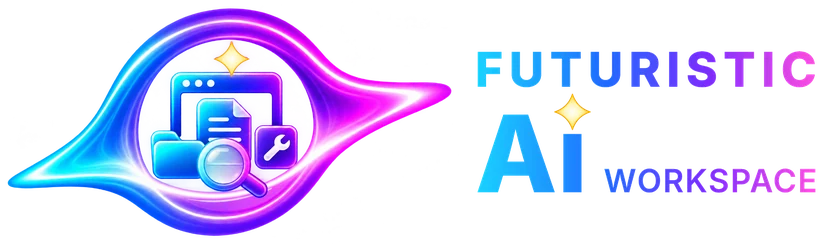
So, we have many logos, and they're almost what we want.

We want:
1. A transparent background.
2. Colorful wording that works on any background.
3. A black-hole shape with file icons inside.
4. Variations: black hole only, words only, words below the black hole.

Let's start with item 3 — the black-hole logo.
Make the file container look like a black hole, but:
1. Keep the accretion disk the same shape.
2. No black in the middle. Put the file icons there.
3. Use our colors for the accretion disk.
4. Transparent background.

If we get this right, we'll move on. Give me 3 options of just this.
I prefer option 1. Add a magnifying glass. Then make one logo with the text beside it and one with the text below it, using the previous instructions.
Make the sparkle white/yellow.
Remove the white background inside the letters. Make it transparent.
Make the AI much bigger, make WORKSPACE narrower, and use the yellow-white sparkle as the dot on the i.
We have the logo-only version we loved and chose. Let's align its sparkle too.
The recorded screen video can be attached here. The image edits and resulting logos are from the real workflow.
Several originals and their translations were spread across multiple documents, each also containing its own subdocuments.
Continue the translation task.

Make me one document with the pages in reverse chronological order. Put each original right before its translation, then move to the next document.

Label the original ORIGINAL, and the translation TRANSLATION.
A personal time comparison, not a timed benchmark. Private source documents are not shared.